 Netwrck
Image · 5 min · 2026-08-30
Cutout Studio: Background Removal with Brush Refine
Remove a background on our GPUs, then brush in or out. Colour decontamination for backdrop bleed. Repeats cache. Free.
Try Netwrck free Open the tool
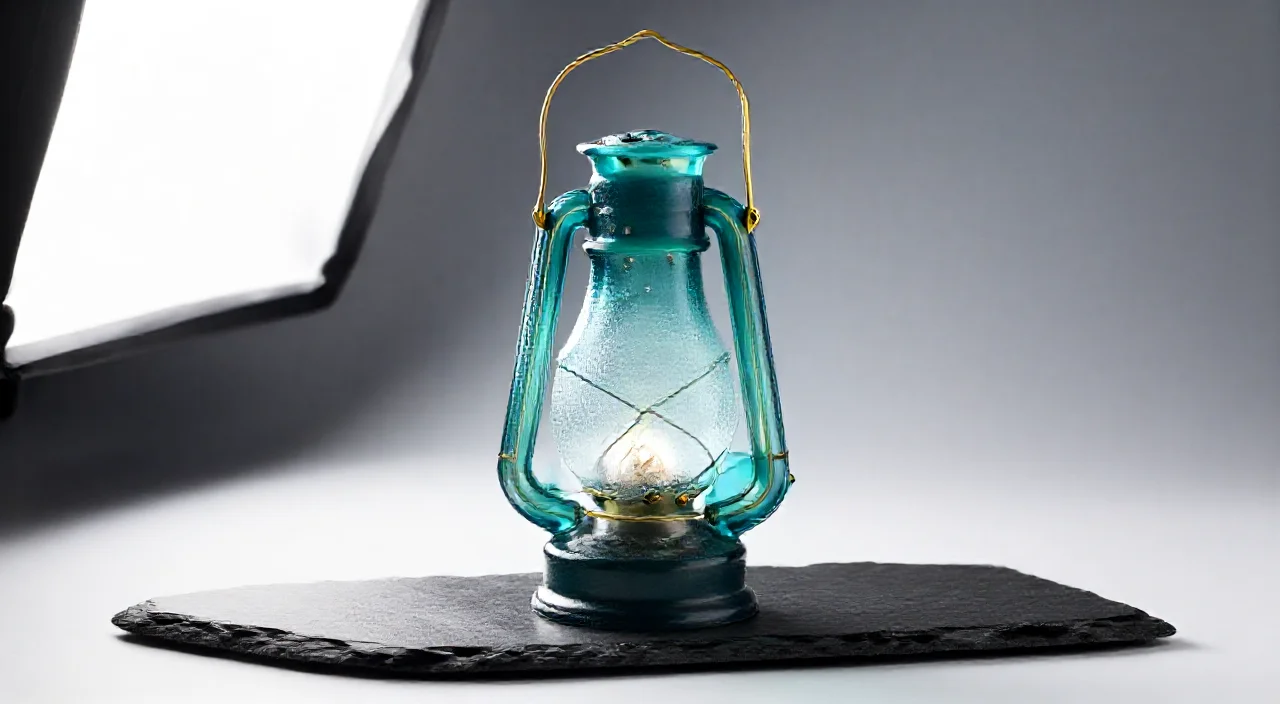
The lantern needs a transparent PNG before it is a prop overlay. Cutout Studio is free, with a brush for the brass handle.
Prompt
Remove the slate. Keep condensation on the glass. Decontaminate teal spill.Same-image repeats can be served from cache.
Copyable prompt
Remove the slate. Keep condensation on the glass. Decontaminate teal spill.Refine order
- Auto matte.
- Brush the handle.
- Check glass edges.
- Export WebP/PNG.
Open the tools
Tools used
Cutout Studio - Background Removal with Brush Refine
AI Background Remover - Remove Image Backgrounds
Element Generator - Transparent AI Art Creator