 Netwrck
Image · 5 min · 2026-08-30
VRM Character Creator: Autorig Avatars
Generate a Pixal3D mesh, transfer a humanoid rig on-device, paint hair and cloth springs, export VRM.
Try Netwrck free Open the tool
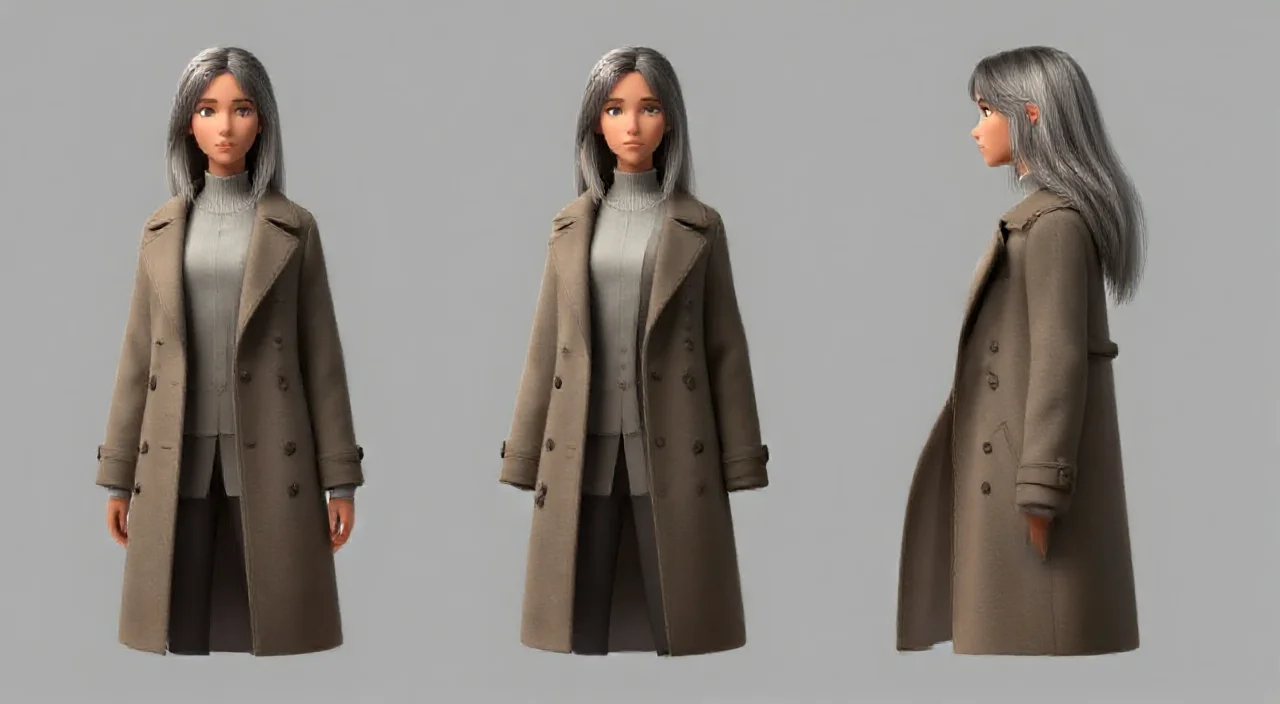
A VRM is a character you can pose, not a still. Start from a design sheet of Irix so the mesh and the 2D art agree.
Prompt
Humanoid cartographer, silver-streaked black hair, ash-brown coat, export VRM, spring hair, no extra limbs.Rig transfer runs on-device. Physics painting is optional.
Copyable prompt
Humanoid cartographer, silver-streaked black hair, ash-brown coat, export VRM, spring hair, no extra limbs.Order of work
- Lock the 2D sheet.
- Generate the mesh.
- Transfer the rig.
- Paint springs.
- Export VRM.
Open the tools
Tools used
VRM Character Creator - Autorig 3D Avatars
Talking Avatar Generator - Animated, Searchable Character Packs