 Netwrck
Worldbuilding · 5 min · 2026-08-30
Mood Boards Before You Generate
A mood board is a brief, not a collage. Give every reference one job (palette, silhouette, material, light), then branch new images from the board instead of a blank prompt.
Try Netwrck free Open the tool
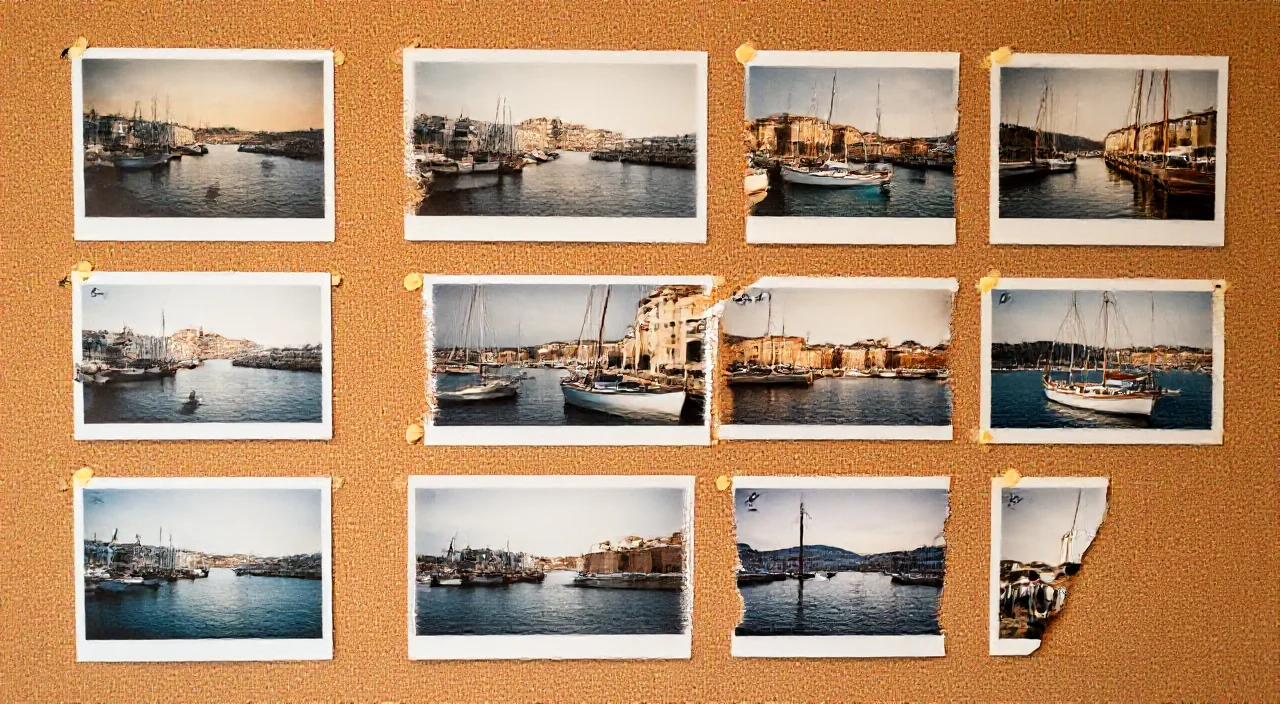
Most weak generations start from a blank prompt. A mood board fixes that, but only if every image on it has a job. Pin a harbour still without a label and the model cannot tell whether you want its colours, its boats or its weather. Label it palette only and it can.
Prompt
Palette from the harbour still: indigo water, brass trim, teal lamp glow. Silhouette from the clock still: one tall tower, narrow crown, off-centre left. Materials: wet stone and oxidised brass. Do not copy faces, signage or boats from either reference.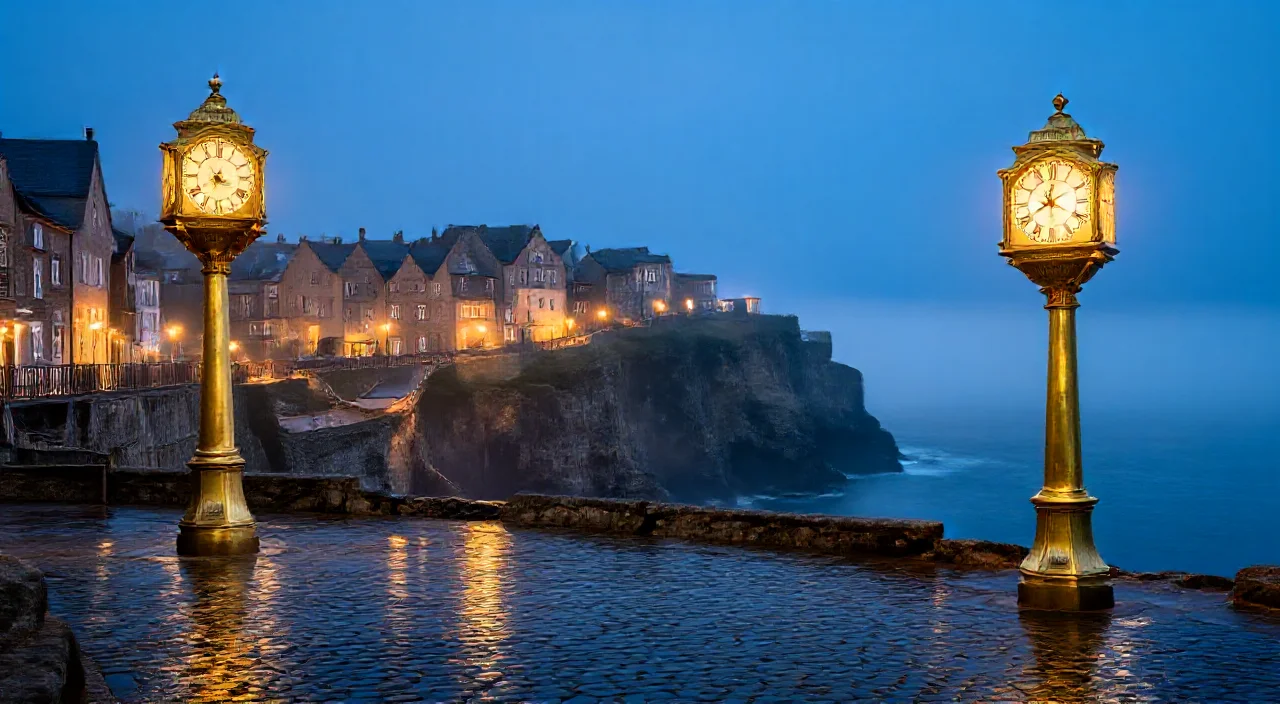
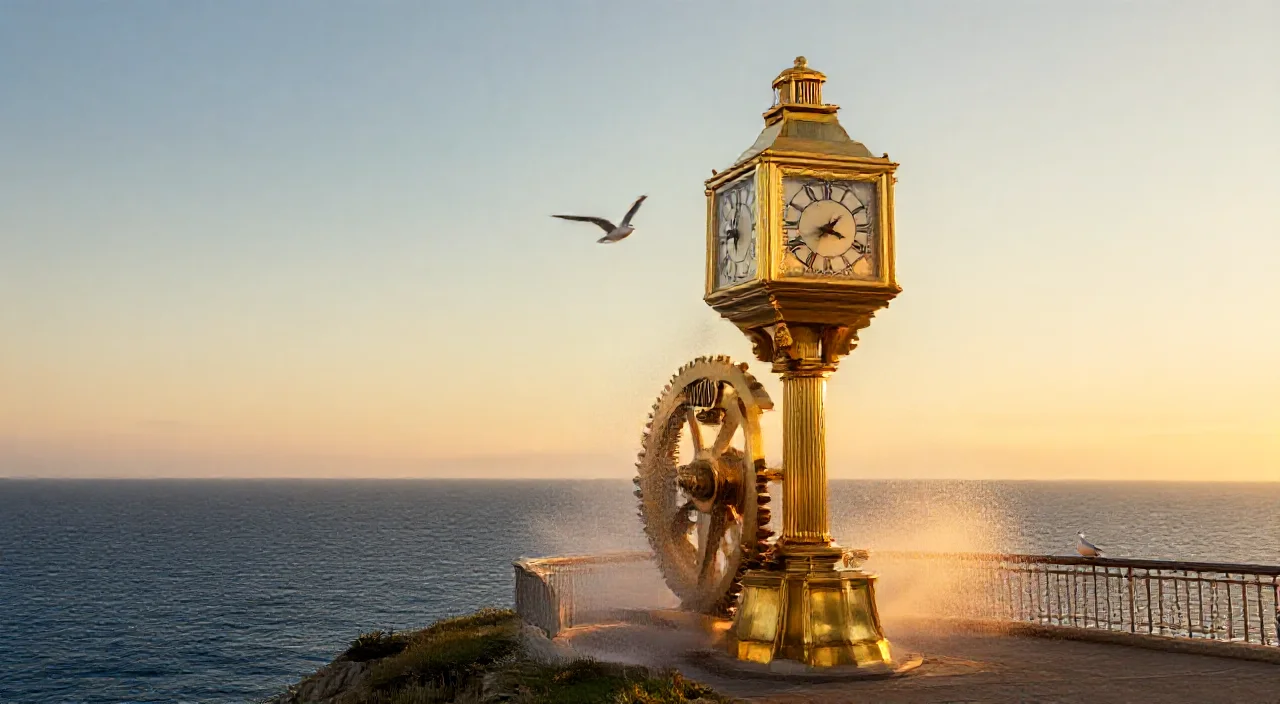
Three references, three jobs, one explicit exclusion.
Copyable prompt
Palette from the harbour still: indigo water, brass trim, teal lamp glow. Silhouette from the clock still: one tall tower, narrow crown, off-centre left. Materials: wet stone and oxidised brass. Do not copy faces, signage or boats from either reference.| Job | What to take | How to say it |
|---|---|---|
| Palette | Three to five dominant colours | palette from the harbour: indigo, brass, teal |
| Silhouette | Shape and placement of the main mass | silhouette from the clock, off-centre left |
| Material | Surface and texture | materials: wet stone, oxidised brass |
| Light | Direction, time of day, temperature | low warm key from camera right, blue fill |
| Identity | A specific face or character | only when the reference is a character sheet |
Build the board in four passes
- Collect six to twelve stills: your own generations, gallery finds or photos. Past a dozen, nothing has a job.
- Read each one back. Reverse the prompt out of the image so you can see what a model will latch onto.
- Cut what you only want for its subject. Remove the background so the backdrop stops leaking into the palette.
- Branch. Wire one or two references into a new prompt, edit it, generate, and keep the result on the board as the next reference.
Branch, do not restart. When a generation is close, wire it into the next one instead of rewriting the prompt from scratch. The board keeps the lineage, so you can see which reference introduced which change.
Try it on the Mood Board canvas
The Mood Board tool is a canvas for this loop. Drag a wire out of any image to read its prompt back, edit the text and generate a connected child image. Right-click an image to remove its background. Search the gallery from the sidebar to pull in more references, or drop in your own files.
Common mistakes
- Pinning ten images of the same thing. Variety of job beats volume.
- Letting a reference's background set the palette. Cut it out first.
- Copying identity by accident. Write no faces from references unless one is a character sheet.
- Describing the board instead of the shot. The prompt still needs a subject, an action and a camera.